
How to Set Up Google Business Profile for a Farm Stand (Step-by-Step Guide)
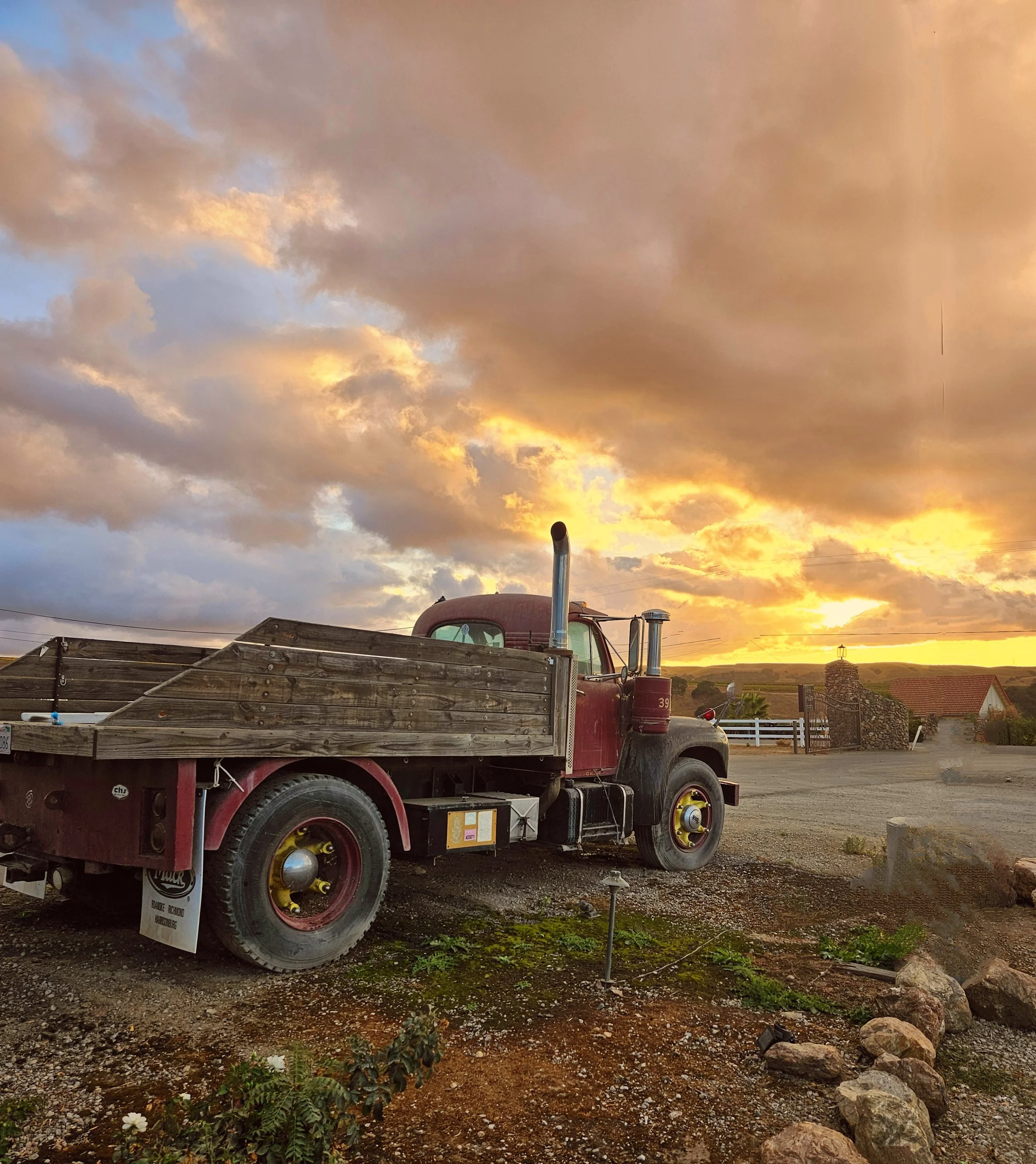
Your farm stand might be the best-kept secret in your county. Here's how to fix that.
There's a farm stand I drive past often on Route 5 in Deerfield. Beautiful setup, hand-painted signs, bins overflowing with heirloom tomatoes in August, the whole picture. And for three years, if you searched "farm stand near me" on your phone, it didn't exist.
No Google Business Profile. No map pin. No hours, no photos, no proof of life online whatsoever.
That farm stand was invisible to every person searching for exactly what it sells.
If that sounds like you, this is your guide. I'm going to walk you through setting up a Google Business Profile for your farm stand, every field, every photo, every decision point, so that the next time someone's driving through the Pioneer Valley (or the Berkshires, or the New Hampshire, or anywhere in New England) and types "farm stand near me" into their phone, your name comes up.
This takes about 45 minutes to do well. You'll do it once, then maintain it in about 10 minutes a week. That's it.
Why This Matters More Than Your Instagram
I say this with love: most farm stands pour their limited marketing energy into Instagram, and then wonder why new customers aren't finding them.
Here's the thing. When someone searches "farm stand near me" or "fresh produce Greenfield, MA," Google doesn't show them your Instagram feed. It shows them a map with three pins, the Google Map Pack. Those three businesses get the lion's share of the clicks. If you're not one of them, you're not in the conversation.
Forty-six percent of all Google searches have local intent. And 76% of people who search for something nearby on their phone visit a business within 24 hours. That's not a marketing theory. That's foot traffic waiting to happen.
Your Google Business Profile is the single most important piece of digital marketing you own. It's free. And you can set it up this afternoon.
Step 1: Claim or Create Your Profile
Go to business.google.com and sign in with whatever Google account you use for your business. If you don't have one, your personal Gmail works fine to start.
Search for your farm stand name. One of two things will happen:
Your business already shows up. Someone (maybe Google, maybe a customer, maybe a previous owner) created a listing. Click "Claim this business" and follow the verification steps. Google will usually send a postcard to your physical address with a verification code. This takes 5–7 days. Don't skip it, you can't edit most of your profile until you're verified.
Your business doesn't show up. Click "Add your business to Google" and start from scratch. You'll enter your business name, category, and address, then go through the same verification process.
One note: use your actual business name. Not "Johnson's Farm Stand — Best Tomatoes in Hampshire County." Google will penalize you for keyword-stuffing your business name. Just "Johnson's Farm Stand." Clean and simple.
Step 2: Choose the Right Business Categories
This is where most farm stands go wrong, and it matters more than you'd think. Your primary category tells Google what you are and directly affects which searches you show up for.
For most farm stands, your best primary category is "Farm," or "Farmers' Market," or "Produce Market." The right choice depends on your operation:
If you're a working farm with a retail stand on-site, go with "Farm." If you're primarily a retail location selling produce (yours and others'), "Produce Market" is usually the better fit. If you operate at a weekly farmers' market rather than a fixed location, choose "Farmers' Market."
Then add secondary categories. You can have up to 10, and you should use every relevant one. Think about what you actually sell and do: Farm Shop. Organic Farm. Fruit and Vegetable Store. Bakery (if you sell baked goods). Pick-Your-Own Farm (if applicable). Garden Center (if you sell plants). Grocery Store (if you carry a wider selection).
Each secondary category opens up additional searches you can appear in. A customer searching "bakery near Shelburne Falls" could find you if you added Bakery as a secondary category and you actually sell baked goods.
Step 3: Nail Your Address and Service Area
If customers come to you, enter your physical address. This puts you on the map — literally.
If you deliver or do farmers' markets in multiple locations, you can also set service areas by town or zip code. But if you have a fixed farm stand, your physical address is what matters most.
Make sure the address matches exactly what's on your website, your Facebook page, and everywhere else online. Google cross-references these. "231 Fox Hill Rd" on your website and "231 Fox Hill Road" on Google is fine. But "Fox Hill Road, Bernardston" on one and "Greenfield" on the other will confuse the system and hurt your ranking.
Step 3: Set Your Hours -And Handle the Seasonal Question
This is the #1 frustration for farm stand owners on Google, and it's completely solvable.
Regular hours: Set your typical in-season hours. If you're open Thursday through Sunday, 9 am to 5 pm, from May through October, put those hours in.
Seasonal closures: When you close for winter, use the "Temporarily Closed" feature, not "Permanently Closed." This preserves your reviews, your photos, and your search ranking. When spring rolls around, you flip it back to open and update your hours. Takes 30 seconds.
Holiday and special hours: Google lets you set these individually. Before Thanksgiving, add your holiday hours. Before the Fourth of July weekend, update them. Customers check these, and nothing erodes trust faster than driving 20 minutes to a farm stand that Google said was open but isn't.
Pro tip: Add your seasonal schedule to your business description (Step 5). Something like "Open May through October, Thursday–Sunday 9 am–5 pm" gives customers the context that Google's hours fields sometimes don't convey clearly.
Step 5: Write Your Business Description
You get 750 characters. Use them.
This isn't a poem. It's a clear, specific description of what you are, what you sell, where you are, and why someone should visit. Here's a template that works:
"[Name] is a family-run farm stand in [Town], [State], growing and selling [what you grow] from [month] through [month]. We're located on [road/route] just [distance/direction from landmark]. Stop by for [your top 3–4 products], plus seasonal specialties like [examples]. We also carry [anything else — local honey, baked goods, preserves]. Cash and card accepted."
That's it. No "we're passionate about bringing you the freshest..." No "our journey began when..." Customers reading your Google description are looking for facts. What do you sell, when are you open, and where are you? Give them that.
Step 6: Add Photos -This Is Where You Win or Lose
Businesses with photos get 42% more requests for directions on Google Maps and 35% more clicks to their website. That's not a small edge. That's the difference between being found and being scrolled past.
Google lets you upload photos in specific categories. Here's what you need:
Cover photo: Your farm stand at its most inviting. Full bins, good light, a sense of place. This is the first thing people see.
Logo: If you have one. If not, a clean photo of your sign works.
Exterior photos (3–5): What does the stand look like from the road? From the parking area? Help people recognize you when they arrive. Include one with your sign clearly visible.
Interior/product photos (5–10): Bins of produce. Stacked squash in autumn. Shelves of jam and honey. A table of baked goods. Close-ups of your best-looking items. Shoot in natural light — morning or late afternoon is ideal. Don't use filters. These should look real, because they are.
Team photos (2–3): You at the stand. Your family. Your crew. People want to see who they're buying from. A candid shot of you handing someone a bag of apples is worth more than a posed headshot.
Update your photos seasonally. Swap in pumpkin photos in September. Add Christmas tree photos in November. Fresh photos signal to Google that your business is active, and they signal to customers that you're current.
Step 7: Use Google Posts -Your Free Weekly Billboard
Google Posts are short updates that appear directly on your profile. Think of them like a mini-blog or a social media post, but on Google itself. Most farm stands don't use them at all, which means this is where you can immediately stand out.
Post once a week during your season. Keep it simple:
"Sweet corn is in. First picking just came off the field. Get here early — it goes fast."
"Apple cider donuts are back every Saturday morning starting this weekend."
"We're stocking local honey from [farm name] this month. Wildflower and clover."
Each post can include a photo, a short description (up to 1,500 characters, but shorter is better), and a button — "Learn more," "Call now," "Visit website." Always add the button.
Posts expire after 7 days, which is actually a benefit. It forces fresh content, and Google rewards profiles that stay active.
Step 8: Get -and Respond to Reviews
Reviews are the most powerful ranking factor for local search, and they're also the thing most small business owners are uncomfortable asking for.
Here's how to make it easy: Google gives you a shareable review link. Go to your Google Business Profile dashboard, find the "Ask for reviews" button, and copy that link. Then:
Put it on a small sign near your register: "Loved your visit? Leave us a Google review" with a QR code linking to that URL. (Canva makes QR codes for free.)
Text or email it to your regulars. Not with a big sales pitch, just "Hey, if you've got a minute, a Google review really helps us get found. Here's the link."
When reviews come in, respond to every one. Even the simple ones. "Thanks, Sarah, glad you loved the tomatoes. See you next week." It takes 10 seconds, and it signals to Google (and to future customers) that there's a real person behind this business.
If you get a negative review, respond calmly, briefly, and kindly. Acknowledge the issue, offer to make it right, and move on. Never argue in a review response. You're writing for the hundreds of future customers who'll read it, not for the one person who's upset.
Step 9: Keep It Alive -Your 10-Minute Weekly Routine
Once your profile is set up, it needs about 10 minutes a week to maintain. Here's the routine:
Monday (or whatever your quietest day is): Post one Google Post with a photo from the weekend or a preview of what's coming this week. Add one new photo to your gallery from the past week. Check for and respond to any new reviews.
That's it. Three things. Ten minutes. Do it every week from May through October, and your profile will outperform 90% of the farm stands in your area — because most of them aren't doing any of this.
What Happens Next
Setting up your Google Business Profile is the first step in building a marketing system that actually works for a seasonal business. It gets you found. But getting found is just the door opening.
The next piece is making sure people who find you have a reason to come back — and that's where email, social media, your website, and your seasonal campaigns come in. It's a system, and each piece makes the others work harder.
Want to learn the full system? The Farm at Fox Hill Marketing Academy walks you through it — one lesson a week, each one under 30 minutes, built specifically for small business owners who don't have time to waste. You can preview the first module for free and see if it fits how you work.
Or if you just want to keep going with the next step, I'll be covering what your email newsletter should actually say next week. It's the piece that turns one-time visitors into regulars.
P.S. — If you set up your Google Business Profile this week, reply to our newsletter and tell me. I'd love to see it. And if you get stuck on any step, that's exactly the kind of thing the Academy community helps with.
Amy Vosko is the founder of Farm at Fox Hill and has spent 30 years building marketing systems — first for Fortune 500 companies, and now for the farms, shops, and small businesses across New England that deserve the same expertise. She lives and works on Fox Hill Road in Bernardston, Massachusetts.
